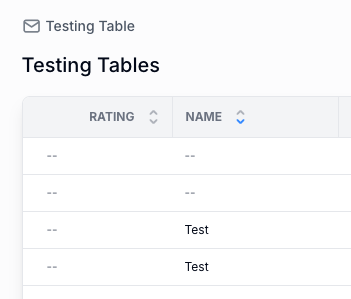
I’ve had several users request the ability to change the sorting on lists for their own purposes. If they could either click a column header and define the sort order just for themselves, that would be awesome.
If I’m being greedy, I’d also say letting them have the ability to select a grouping field would be great also.
Folks transitioning from Airtable interfaces are very accustomed to being able to select their own sort/filter/group options on lists. And those choices are persistent each time they visit that page.
Ah, this occurred to me as I was looking at a table with quite a few linked fields. Even when displaying the field as Text, those columns are not sortable.
Yes, though I am able to define sorting in the settings on a linked field based on it’s display value. In most cases, linked fields that appear in page tables I have set to Display As = Text anyway so they are not links. It would be great if the sort arrows worked in at least these cases.
Here’s my specific issue. My Projects are linked to a Venues table (Airtable data source). I display that column as Text, but it is not sortable. The workaround is that I need to do with each of these is create a formula field that just outputs the record name as text, then display THAT field. It’s just a bit cumbersome.