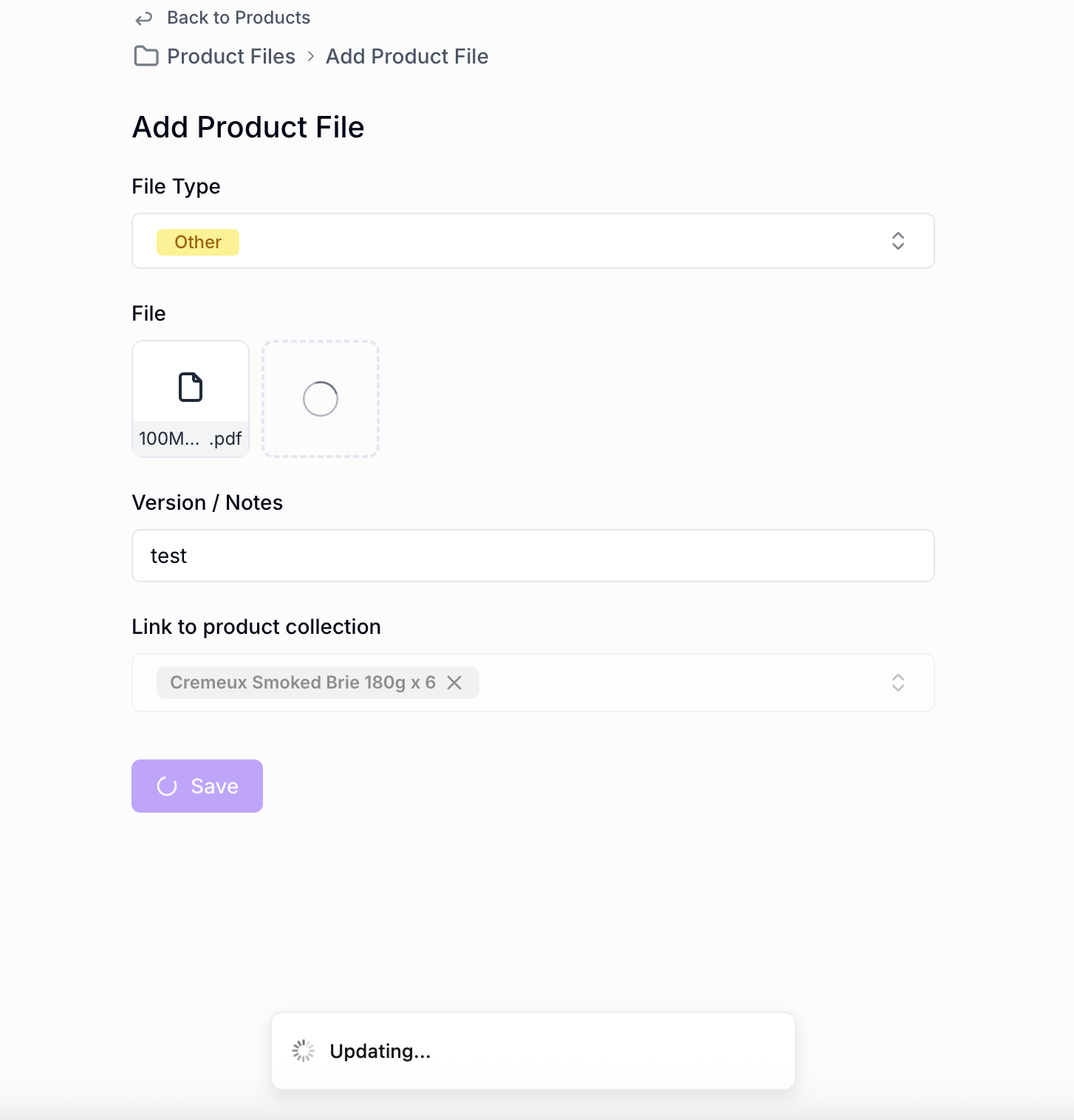
I am getting some generic feedback from some of my users that the file upload feature is “glitchy”
Using a test 90mb file I agree, perhaps just improved UI/UX needed to show upload status %? A screenshot of my todoist upload function is attached, which seems much better.
Also would it be faster to upload to a noloco database file, than airtable file?
Thanks for the feedback - we indeed are looking to improve this soon.
For what it’s worth, 100mb is the max file size we support at the moment, so that could be why some files aren’t uploading (if that’s what you’re seeing).
In terms of speed uploading to Noloco vs to Airtable, yes it would be faster because with Airtable it needs to also be uploaded to Airtable, and then saved again to Noloco, which is notably slower.